

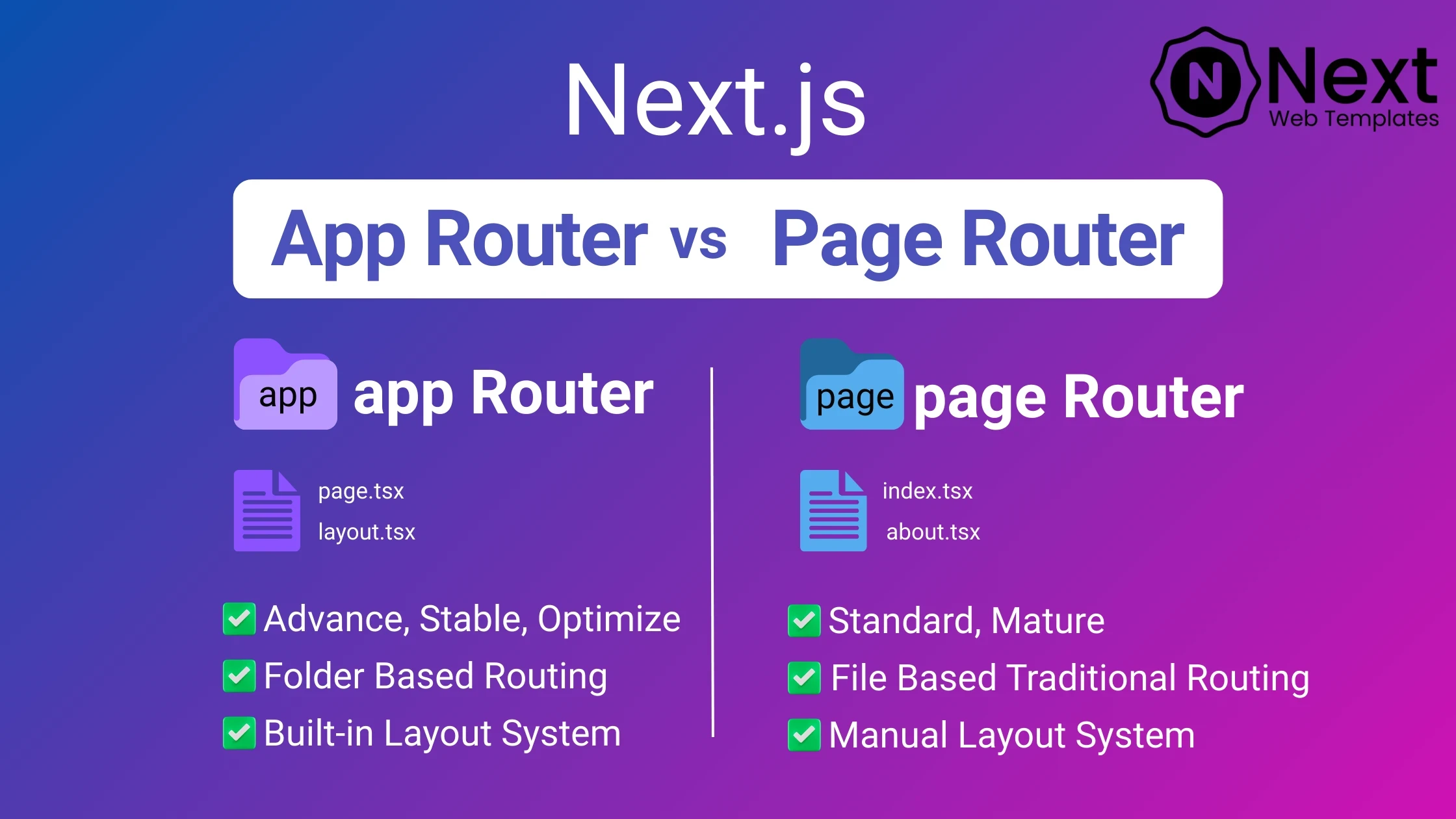
Next.js has evolved rapidly over the years, and one of the biggest shifts came with the introduction of the App Router in Next.js 13. For a long time, developers relied on the Pages Router, which was simple, predictable, and widely adopted. But with modern web needs like server components, streaming, layouts, and better performance, Next.js introduced a new routing paradigm.
If you’re building a new Next.js application or upgrading an existing one, you might be confused about App Router vs Pages Router, which one should you use, and why?
In this article, we’ll break down the key differences, architecture, performance, SEO impact, and real-world use cases of both routers. By the end, you’ll clearly understand which router fits your project best and how to make the right decision moving forward.
The Pages Router is the original routing system in Next.js, available since the early versions.
/pages directorygetStaticProps, getServerSideProps, and getInitialPropsExample:
/pages
 ├─ index.js        → /
 ├─ blog.js         → /blog
 └─ blog/[slug].js  → /blog/my-post
_app.js)The App Router is the modern routing system introduced in Next.js 13+, built on top of React Server Components (RSC).
/app directoryExample:
/app
 ├─ page.js        → /
 ├─ blog/
 │   ├─ page.js    → /blog
 │   └─ [slug]/
 │       └─ page.js → /blog/my-post
layout.js)| Router | Data Fetching |
|---|---|
| Pages Router | getStaticProps, getServerSideProps |
| App Router | fetch() with caching and revalidation |
App Router removes the need for special functions and simplifies data handling.
Both routers are SEO-friendly, but App Router has advantages:
metadata.js✅ Easy to learn
✅ Stable and predictable
❌ Boilerplate grows with app size
✅ Clean architecture
✅ Built-in layouts and error handling
✅ Less repetitive code
❌ Slight learning curve
If you’re deploying your Next.js app, checkout our Best Hosting Provider For Next.js article here
Use Pages Router if:
getServerSidePropsUse App Router if:
| Feature | App Router | Pages Router |
|---|---|---|
| Routing Style | Folder-based | File-based |
| Default Rendering | Server Components | Client Components |
| Layout Support | Built-in | Manual |
| Streaming | Yes | Limited |
| Performance | Excellent | Good |
| SEO Optimization | Advanced | Standard |
| Learning Curve | Medium | Easy |
| Recommended for New Projects | ✅ Yes | ❌ No |
No, Pages Router is not deprecated, but App Router is the recommended approach for new projects.
Yes, Next.js allows both routers in the same project, but it’s better to stick to one for consistency.
Yes. Faster performance, streaming, and Server Components improve Core Web Vitals and SEO rankings.
Slightly. But once you understand layouts and Server Components, it becomes more productive.
Only if you need new features. Migration is optional, not mandatory.
The debate between Next.js App Router vs Pages Router ultimately depends on your project goals. While Pages Router remains reliable for legacy apps, the App Router represents the future of Next.js development, which offering better performance, cleaner architecture, and improved developer experience.






 Feb 7, 2026